Apex Academy
Setup you can understand the first time
Screenshots, exact steps, and a separate guide for each product. After login, your own code and settings appear already filled in.
Watch the walkthrough
The real setup, start to finish.
01
Install the chatbot on WordPress or any website
Sign in and the guide walks through every step using your own product and settings.
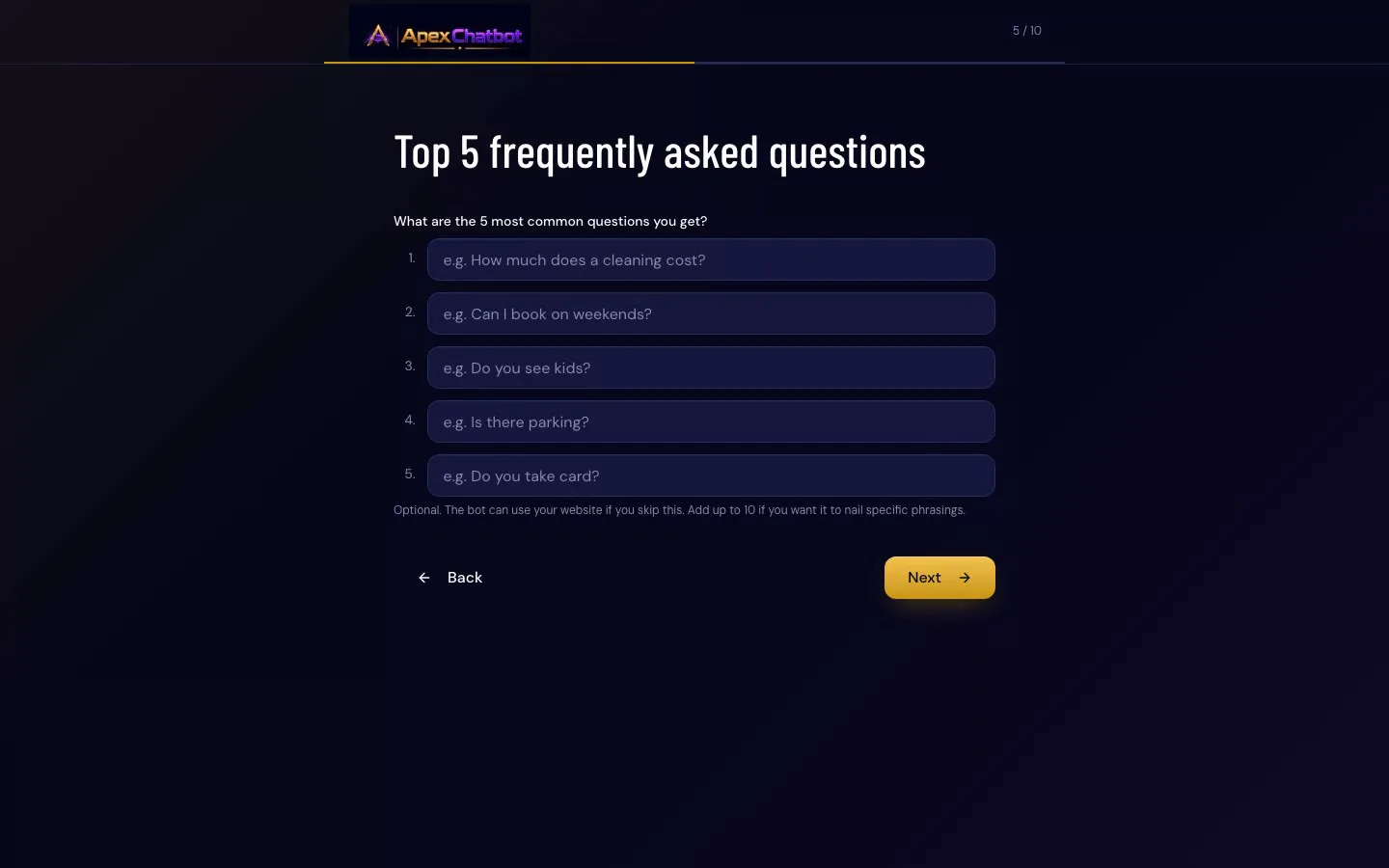
02
Configure and test the AI receptionist
Sign in and the guide walks through every step using your own product and settings.
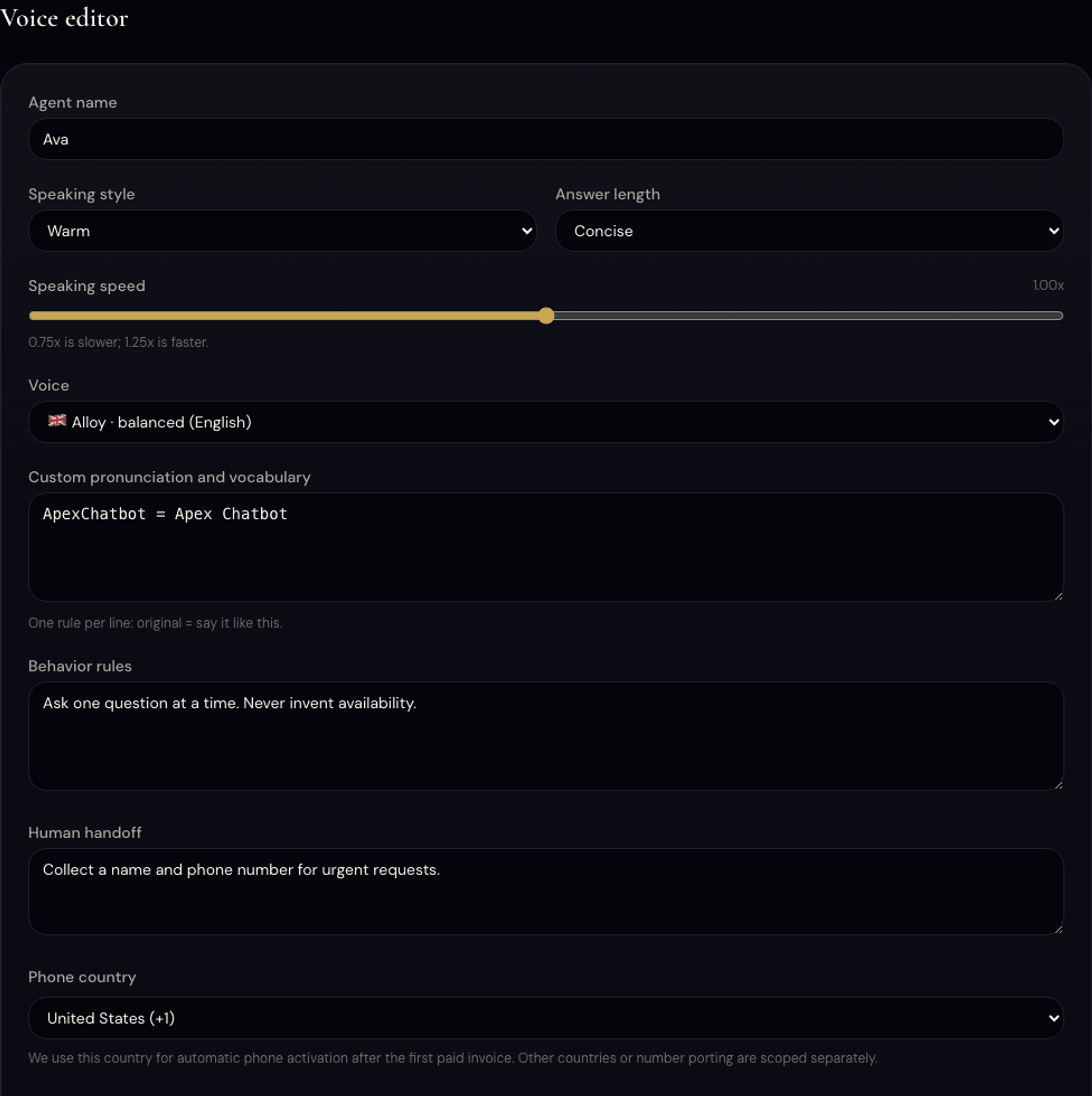
03
Customize approval-first automation
Sign in and the guide walks through every step using your own product and settings.
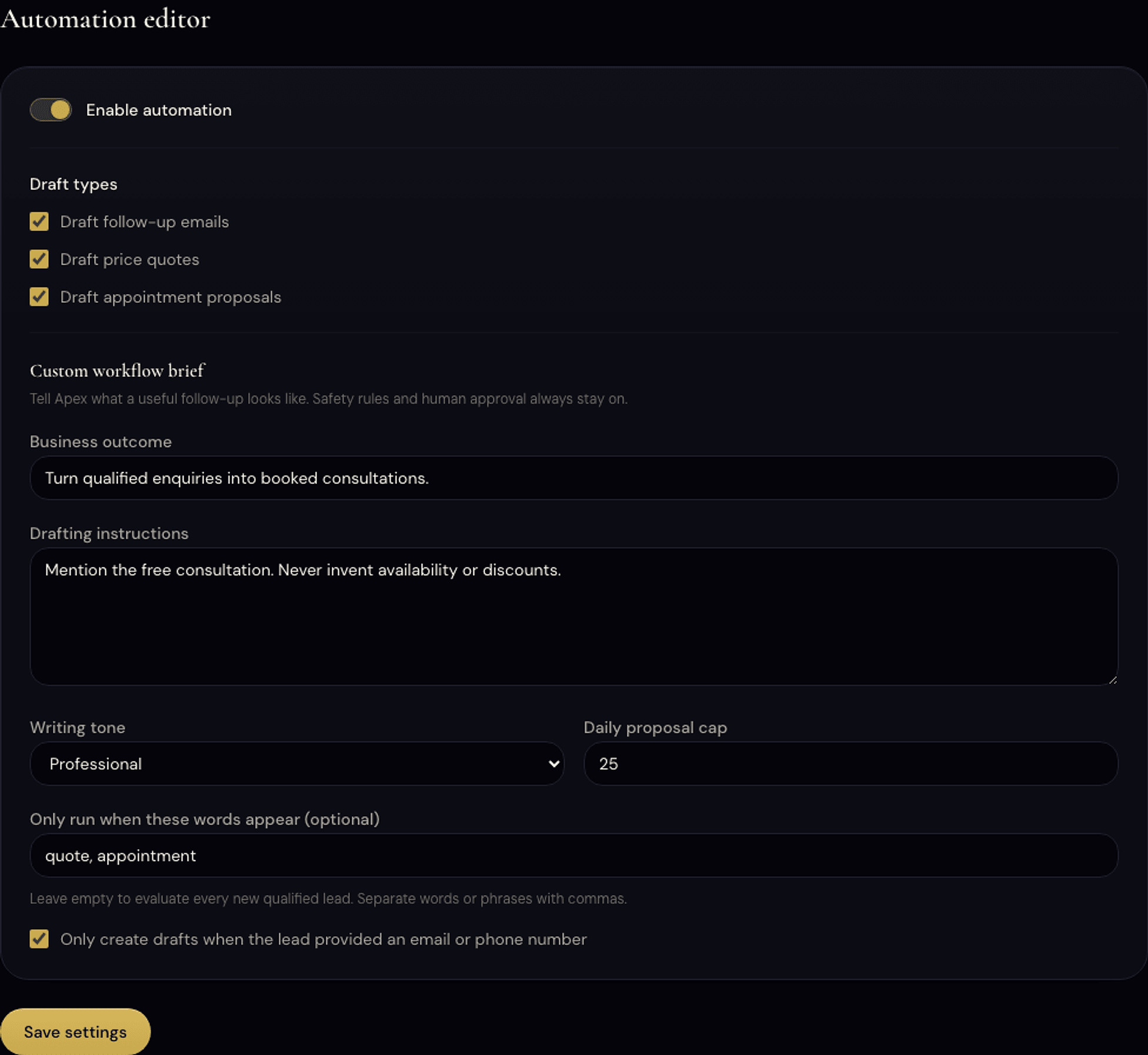
04
Build and publish a website
Sign in and the guide walks through every step using your own product and settings.
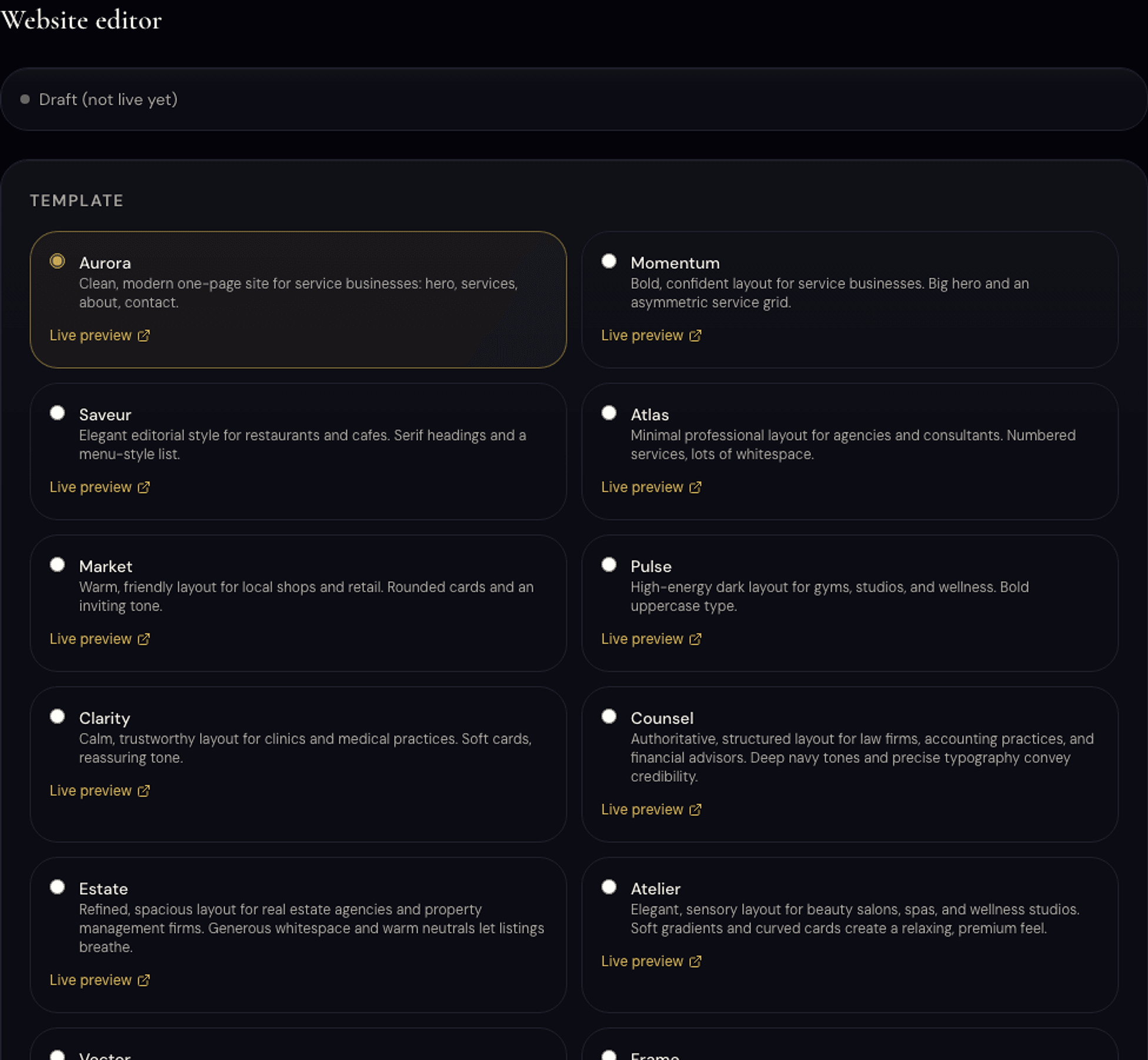
05
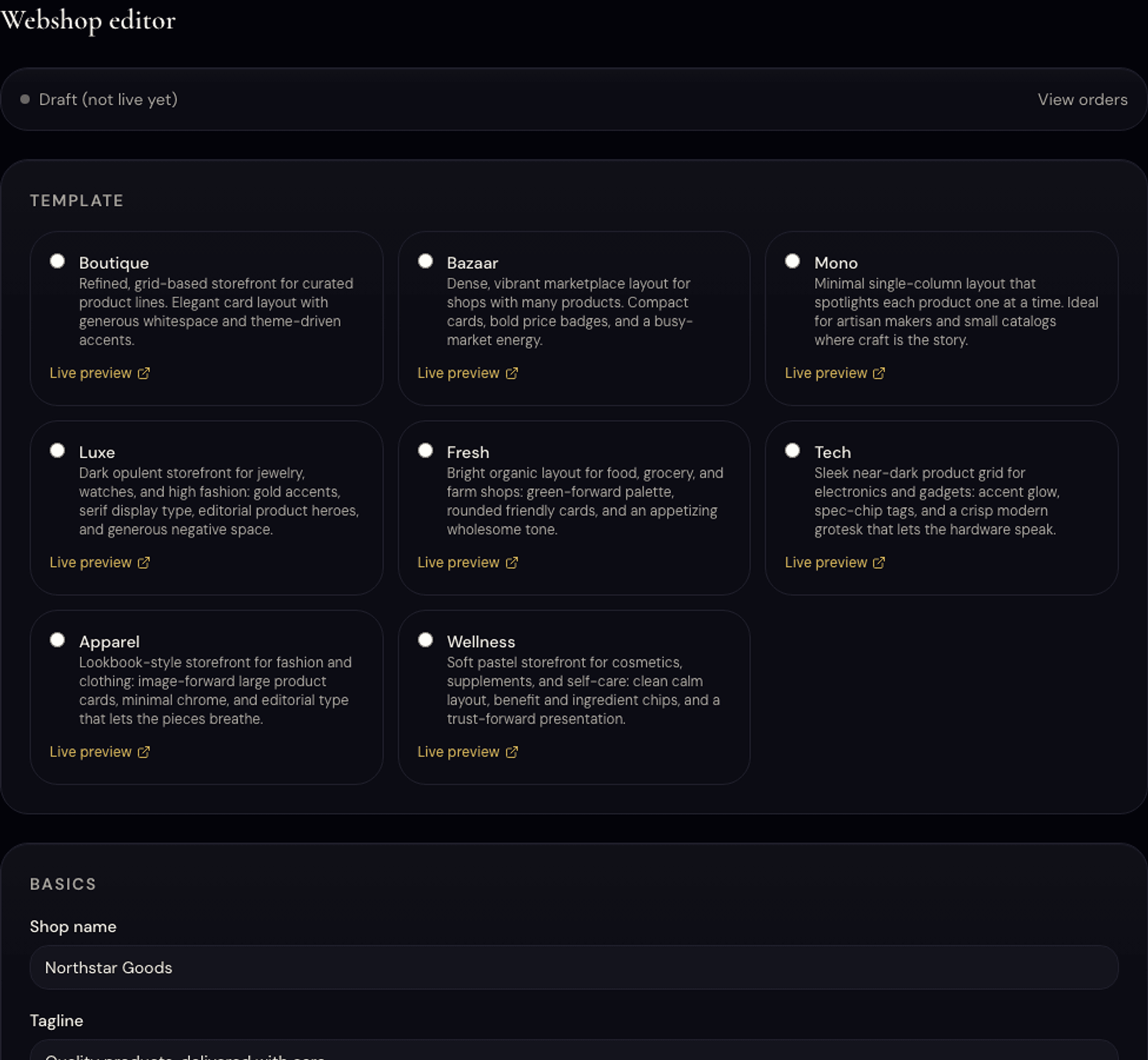
Build a catalog, cart, and webshop
Sign in and the guide walks through every step using your own product and settings.
06
Connect Zapier, Make, n8n, or your own server
Sign in and the guide walks through every step using your own product and settings.
lead.createdLiveconversation.startedLivemessage.receivedLiveWhat every guide includes
Real screenshots
Every step shows the screen you will actually see, so you never have to guess which button to press.
Exact order
The steps follow the order you need to do them in, from the first action to the final check.
Your own settings
After you sign in, your own code and settings appear already filled in, so there is nothing to copy by hand.
If you get stuck
If a step does not behave the way the guide says, write to adam@apexchatbot.com. Adam replies personally.